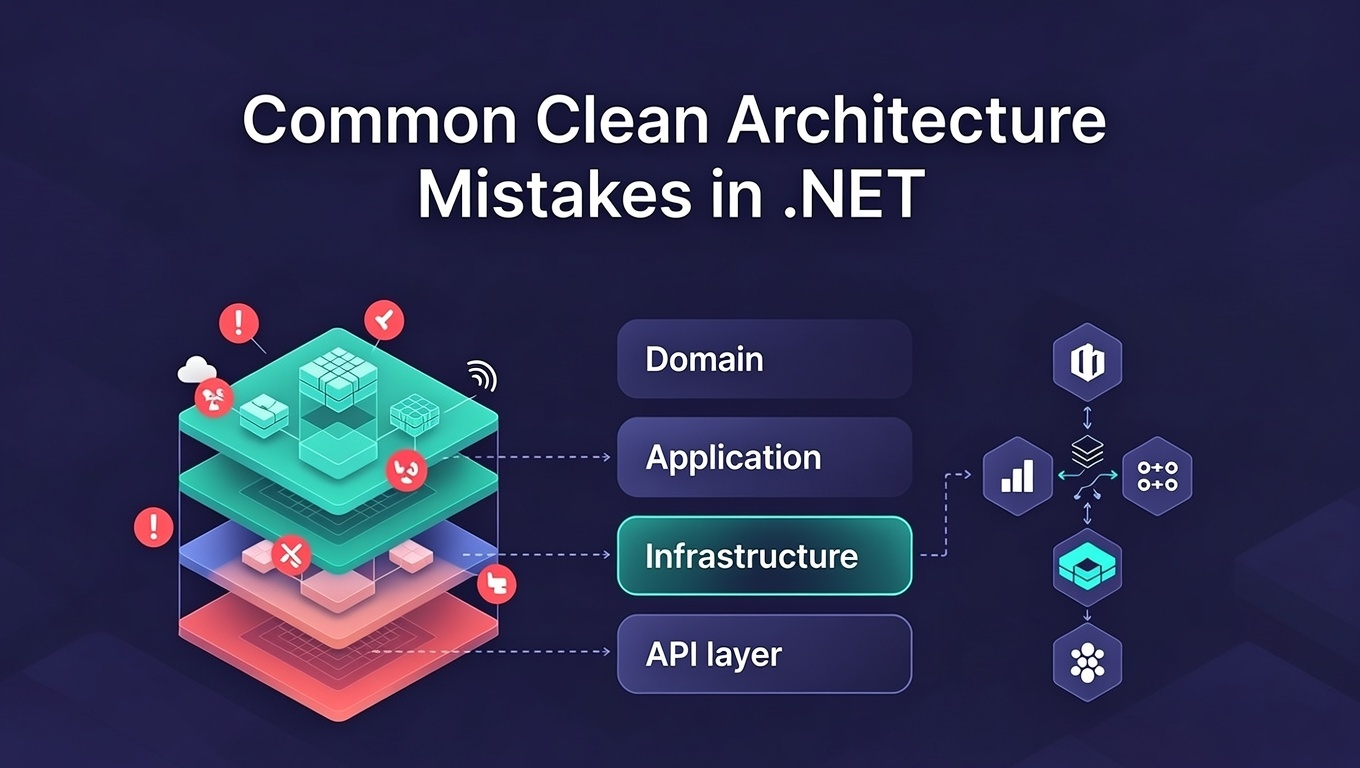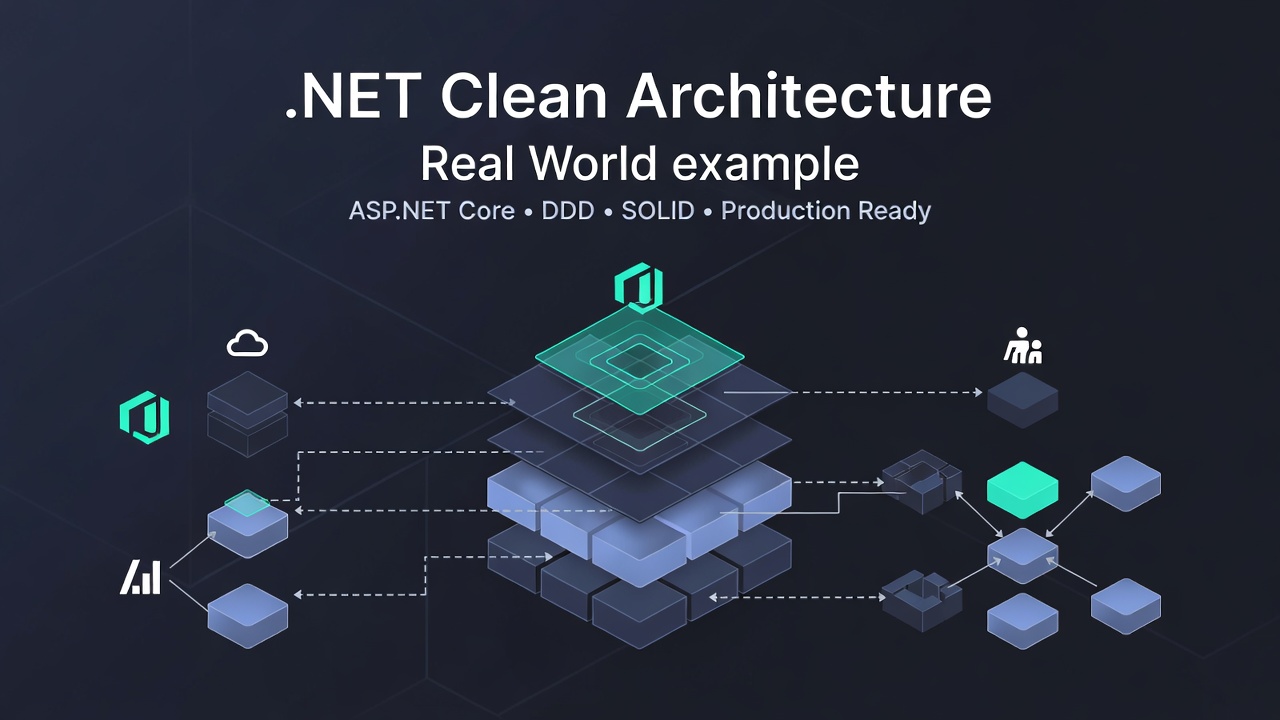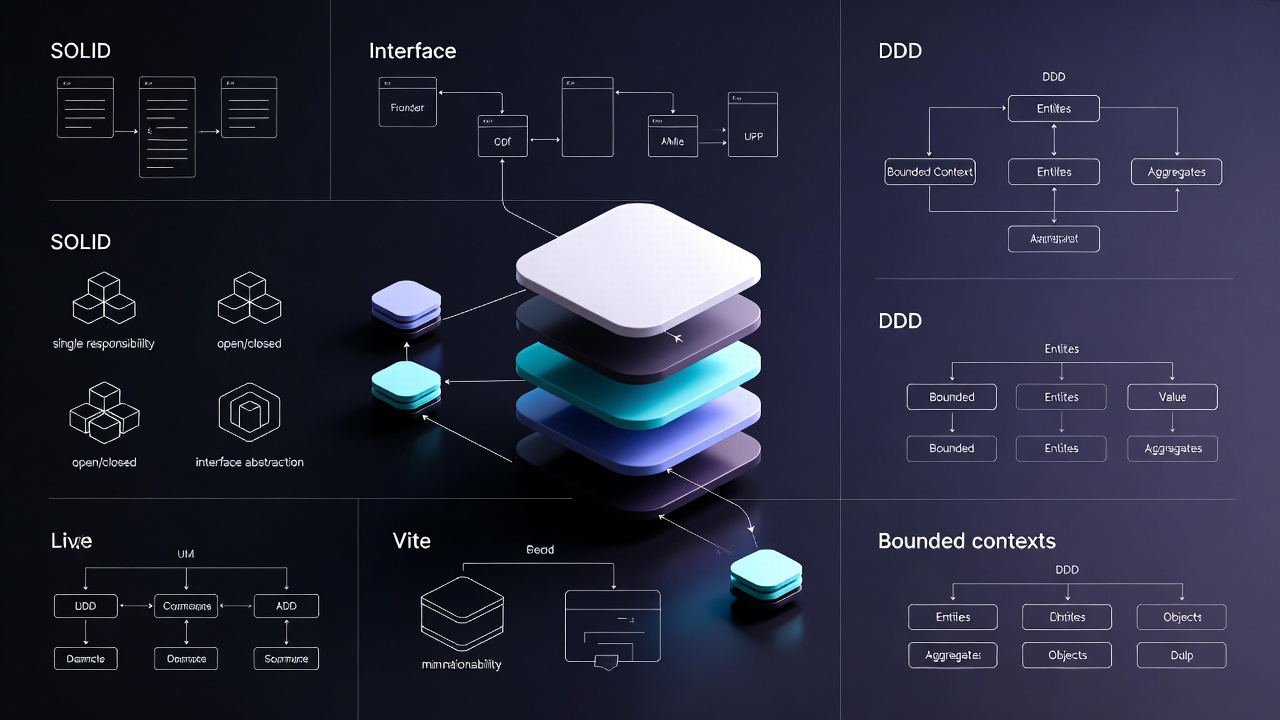
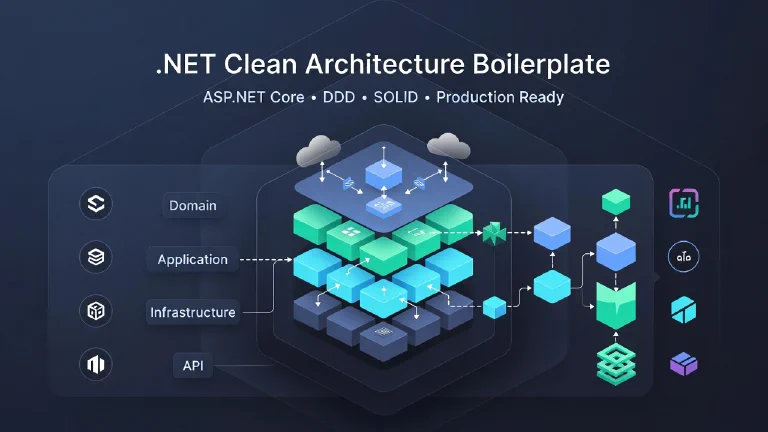

The overall about Clean Architecture in .NET: Learn SOLID principles, dependency inversion, and domain-driven design to build maintainable, testable, and scalable applications with proper separation of concerns.
What is Clean Architecture?
So you’ve probably heard people throwing around “Clean Architecture” in tech discussions. Maybe you’ve seen Uncle Bob’s (Robert C. Martin) famous concentric circles diagram and thought, “What’s the big deal?”
Here’s the thing - Clean Architecture isn’t just another fancy pattern to make your code look sophisticated. It’s actually a practical way to build software that doesn’t turn into a maintenance nightmare six months down the road.
The core idea is simple: keep your business logic separate from everything else. Your database, your UI, your frameworks - they’re all details. They can change. Your business rules? Those should stay stable.
What you get:
- Framework independence - Not married to ASP.NET Core, Entity Framework, or whatever’s trendy today
- Testable - Can test your business logic without spinning up a database or web server
- UI flexibility - Swap React for Angular, Web API for gRPC - doesn’t matter
- Database agnostic - SQL Server today, PostgreSQL tomorrow, MongoDB next week? No problem
- External service independence - Your business rules don’t care if you’re using SendGrid or Mailgun
Why Use Clean Architecture?
The Problem with Traditional Layered Architecture
Let me guess - you’ve worked on a project where the business logic is so tangled up with database code that you can’t test anything without a connection string. Or maybe you tried to swap databases and realized half your codebase needs rewriting.
Yeah, I’ve been there too. Traditional n-tier architecture looks neat on paper:
┌─────────────────┐
│   Presentation  │  ← Depends on Business Logic
├─────────────────┤
│ Business Logic  │  ← Depends on Data Access
├─────────────────┤
│   Data Access   │  ← Depends on Database
├─────────────────┤
│    Database     │
└─────────────────┘
The problems you run into:
- Your business logic is basically married to your data access layer
- Can’t write a simple unit test without mocking a ton of database stuff
- Want to try a different database? Good luck - you’re rewriting everything
- Business rules get polluted with infrastructure concerns (“Why is my Product class full of EF Core attributes?”)
The Clean Architecture Solution
Clean Architecture flips this on its head. Instead of your business logic depending on everything else, everything else depends on your business logic:
        ┌─────────────────────────────────┐
        │                                 │
        │    🎯 Domain (Entities)        │  ← Core Business Logic
        │    - Pure Business Rules        │     No Dependencies!
        │    - Domain Events              │
        │                                 │
        └────────────┬────────────────────┘
                     │
        ┌────────────▼────────────────────┐
        │                                 │
        │    📋 Application (Use Cases)  │  ← Application Logic
        │    - CQRS Commands & Queries    │     Depends only on Domain
        │    - Interfaces                 │
        │                                 │
        └────────────┬────────────────────┘
                     │
        ┌────────────▼────────────────────┐
        │                                 │
        │  🔧 Infrastructure             │  ← Implementation Details
        │    - Repositories               │     Implements Application
        │    - Database (EF Core)         │     Interfaces
        │    - External Services          │
        │                                 │
        └────────────┬────────────────────┘
                     │
        ┌────────────▼────────────────────┐
        │                                 │
        │  🌐 Presentation (WebAPI)      │  ← User Interface
        │    - Controllers                │     Orchestrates everything
        │    - HTTP/REST                  │
        │                                 │
        └─────────────────────────────────┘
Why this is better:
- Business logic stands on its own - you can test it in isolation
- Want to switch from SQL Server to MongoDB? Just swap the Infrastructure layer
- Need to change from REST API to gRPC? Only touch the Presentation layer
- Clear boundaries mean you actually know where code belongs
- Your domain models stay clean - no [Column] or [JsonProperty] attributes everywhere
Core Principles
1. The Dependency Rule
Here’s the golden rule: Dependencies only point INWARD. The inner layers never know about the outer layers.
Think of it like this - your CEO (Domain layer) doesn’t need to know what software the IT department uses. But IT definitely needs to know what the CEO needs done.
┌─────────────────────────────────────────┐
│         Frameworks & Drivers            │  ← Outermost
│  ┌───────────────────────────────────┐  │
│  │   Interface Adapters              │  │
│  │  ┌─────────────────────────────┐  │  │
│  │  │   Application Business Rules │  │  │
│  │  │  ┌───────────────────────┐   │  │  │
│  │  │  │  Enterprise Business  │   │  │  │
│  │  │  │  Rules (Entities)     │   │  │  │  ← Innermost
│  │  │  │      🎯 CORE          │   │  │  │
│  │  │  └───────────────────────┘   │  │  │
│  │  │            ▲                  │  │  │
│  │  └────────────┼──────────────────┘  │  │
│  │               │                     │  │
│  └───────────────┼─────────────────────┘  │
│                  │                        │
└──────────────────┼────────────────────────┘
                   │
            All dependencies
            point INWARD ➡️
2. SOLID Principles
Clean Architecture is basically SOLID principles on steroids. Quick refresher:
- Single Responsibility - Each class does one thing (and does it well)
- Open/Closed - Open for extension, closed for modification
- Liskov Substitution - Subtypes should work anywhere their base type works
- Interface Segregation - Better to have many small interfaces than one giant one
- Dependency Inversion ⭐ (This is the big one!) - Depend on abstractions, not concrete implementations
📚 Want to dive deeper? Check out our comprehensive guide: SOLID Principles and Domain-Driven Design Explained
3. Domain-Driven Design (DDD)
- Entities: Objects with identity and lifecycle
- Value Objects: Immutable objects defined by their values
- Aggregates: Cluster of entities and value objects
- Domain Events: Something that happened in the domain
- Repositories: Abstraction for data access
📚 Want to dive deeper? Check out our comprehensive guide: SOLID Principles and Domain-Driven Design Explained
Architecture Layers Explained
Layer 1: Domain (Core)
Purpose: Contains enterprise business rules and domain models. The Domain layer is the heart of your application - it contains the core business logic and rules that define what your system does. Think of it as the rulebook of your business.
Characteristics:
- No dependencies on other layers
- No framework dependencies
- Pure C# classes
- Contains entities, value objects, domain events
- Encapsulates business logic
What goes here:
- Entities (Aggregate Roots)
- Value Objects
- Domain Events
- Enums
- Exceptions specific to domain
Example Structure:
Domain/
├── Entities/
│   └── Product.cs          ← Rich domain model
├── ValueObjects/
│   └── Money.cs            ← Immutable value object
├── DomainEvents/
│   └── ProductCreatedEvent.cs
└── Common/
    └── BaseEntity.cs       ← Base classes
Real-World Analogy: Imagine an e-commerce store. The Domain layer would contain rules like:
- “Product price must be greater than zero”
- “Cannot sell more items than available in stock”
- “Discounted price cannot exceed original price”
- “Product must have a unique SKU”
These rules exist regardless of whether customers shop through a mobile app, website, or in-store kiosk.
Key Components:
1. Entities - Objects with unique identity
public class Product
{
    public Guid Id { get; private set; }
    public string Name { get; private set; }
    public string SKU { get; private set; }
    public Money Price { get; private set; }
    public int StockQuantity { get; private set; }
    public ProductStatus Status { get; private set; }

    public void UpdatePrice(Money newPrice)
    {
        if (newPrice.Amount <= 0)
            throw new DomainException("Price must be greater than zero");

        Price = newPrice;
    }

    public void DecreaseStock(int quantity)
    {
        if (quantity > StockQuantity)
            throw new InsufficientStockException($"Only {StockQuantity} items available");

        StockQuantity -= quantity;
    }

    public void Discontinue()
    {
        Status = ProductStatus.Discontinued;
    }
}
🌐 Real-world: A specific iPhone 15 Pro (SKU: IPH15P-256-BLK) exists as a unique product even if its price or stock changes.
2. Value Objects - Immutable objects defined by their values
public class Money
{
    public decimal Amount { get; }
    public string Currency { get; }

    public Money(decimal amount, string currency)
    {
        if (amount < 0)
            throw new DomainException("Amount cannot be negative");

        Amount = amount;
        Currency = currency;
    }

    public Money Add(Money other)
    {
        if (Currency != other.Currency)
            throw new DomainException("Cannot add different currencies");

        return new Money(Amount + other.Amount, Currency);
    }
}
🌐 Real-world: “$99.99 USD” is the same as another “$99.99 USD” - no identity needed, just the value matters.
3. Domain Events - Important things that happened
public class ProductPriceChangedEvent
{
    public Guid ProductId { get; set; }
    public Money OldPrice { get; set; }
    public Money NewPrice { get; set; }
    public DateTime ChangedAt { get; set; }
}

public class ProductOutOfStockEvent
{
    public Guid ProductId { get; set; }
    public string ProductName { get; set; }
    public DateTime OccurredAt { get; set; }
}
🌐 Real-world: “Product price changed from $99.99 to $79.99 at 3:45 PM” - used for price history, notifications, analytics, etc.
Layer 2: Application (Use Cases)
Purpose: Contains application-specific business rules and use cases. The Application layer is the orchestrator - it coordinates how domain objects work together to accomplish specific tasks. It defines WHAT your application can do, but not HOW it does it.
Characteristics:
- Depends only on Domain layer
- Defines interfaces for infrastructure
- Implements CQRS pattern (Commands & Queries)
- Contains DTOs for data transfer
- Orchestrates domain logic
What goes here:
- Use Cases (Commands & Queries)
- Repository Interfaces
- Service Interfaces
- DTOs (Data Transfer Objects)
- Validators
- Mappers
Example Structure:
Application/
├── UseCases/
│   └── Products/
│       ├── Commands/
│       │   └── CreateProductCommand.cs
│       └── Queries/
│           └── GetProductByIdQuery.cs
├── Interfaces/
│   ├── IProductRepository.cs
│   └── IUnitOfWork.cs
└── DTOs/
    └── ProductDto.cs
🌍 Real-World Analogy: Think of a store manager:
- Domain = product rules and inventory management (price validation, stock tracking)
- Application = the manager coordinating operations (“Customer wants to buy 5 items, check stock, apply discount, update inventory, send confirmation”)
The manager doesn’t handle the actual database or send emails directly, but orchestrates all the steps.
Key Components:
1. Commands (Write Operations) - Actions that change data
public class CreateProductCommand
{
    public string Name { get; set; }
    public string SKU { get; set; }
    public decimal Price { get; set; }
    public string Currency { get; set; }
    public int InitialStock { get; set; }
}

public class CreateProductHandler
{
    private readonly IProductRepository _productRepo;
    private readonly IUnitOfWork _unitOfWork;

    public async Task<Result<Guid>> Handle(CreateProductCommand cmd)
    {
        // 1. Create domain objects with validation
        var money = new Money(cmd.Price, cmd.Currency);
        var product = new Product
        {
            Name = cmd.Name,
            SKU = cmd.SKU,
            Price = money,
            StockQuantity = cmd.InitialStock,
            Status = ProductStatus.Active
        };

        // 2. Save using repository
        await _productRepo.AddAsync(product);
        await _unitOfWork.SaveChangesAsync();

        // 3. Return result
        return Result<Guid>.Success(product.Id);
    }
}
🌐 Real-world: “Create new product: iPhone 15 Pro, $999, 100 units in stock”
2. Queries (Read Operations) - Retrieve data without changing it
public class GetProductByIdQuery
{
    public Guid ProductId { get; set; }
}

public class GetProductByIdHandler
{
    private readonly IProductRepository _productRepo;

    public async Task<ProductDto> Handle(GetProductByIdQuery query)
    {
        var product = await _productRepo.GetByIdAsync(query.ProductId);

        return new ProductDto
        {
            Id = product.Id,
            Name = product.Name,
            Price = product.Price.Amount,
            Currency = product.Price.Currency,
            StockQuantity = product.StockQuantity
        };
    }
}
🌐 Real-world: “Show me details of product with ID xyz123”
3. Interfaces - Contracts for what infrastructure must provide
public interface IProductRepository
{
    Task<Product> GetByIdAsync(Guid id);
    Task<List<Product>> GetAllAsync();
    Task AddAsync(Product product);
    Task UpdateAsync(Product product);
    Task<bool> ExistsBySKU(string sku);
}

public interface IEmailService
{
    Task SendLowStockAlert(string productName, int quantity);
}
🌐 Real-world: “I need something that can save products and send stock alerts, but I don’t care if it uses SQL, MongoDB, Gmail, or SendGrid.”
Layer 3: Infrastructure (Implementation)
Purpose: Contains implementation details for external concerns. The Infrastructure layer is where the rubber meets the road - it contains all the technical implementation details for actually storing data, sending emails, calling external APIs, etc. This is the “HOW” layer.
Characteristics:
- Implements interfaces defined in Application layer
- Contains framework-specific code (EF Core, etc.)
- Database access, file system, external APIs
- Can be replaced without affecting core logic
What goes here:
- Repository Implementations
- DbContext (Entity Framework)
- External API clients
- File system access
- Email services
- Caching implementations
Example Structure:
Infrastructure/
├── Persistence/
│   ├── ApplicationDbContext.cs
│   ├── Repositories/
│   │   └── ProductRepository.cs
│   └── Configurations/
│       └── ProductConfiguration.cs
└── ExternalServices/
    └── EmailService.cs
🌍 Real-World Analogy: Back to our store:
- Domain = product rules and business logic
- Application = store manager coordinating operations
- Infrastructure = the actual warehouse system, computer database, email server, and payment processor
You can replace your SQL database with MongoDB, or switch from Gmail to SendGrid, without changing how products work or what operations the store can perform.
Key Components:
1. Repository Implementations - How data is actually stored
public class ProductRepository : IProductRepository
{
    private readonly ApplicationDbContext _context;

    public async Task<Product> GetByIdAsync(Guid id)
    {
        // Using Entity Framework Core with SQL Server
        return await _context.Products
            .FirstOrDefaultAsync(p => p.Id == id);
    }

    public async Task<List<Product>> GetAllAsync()
    {
        return await _context.Products
            .Where(p => p.Status == ProductStatus.Active)
            .ToListAsync();
    }

    public async Task AddAsync(Product product)
    {
        await _context.Products.AddAsync(product);
    }

    public async Task UpdateAsync(Product product)
    {
        _context.Products.Update(product);
    }
}
🌐 Real-world: Using SQL Server with Entity Framework Core to store products. Tomorrow, you could swap to PostgreSQL, MongoDB, or even Azure Cosmos DB without changing your domain or application layers.
2. External Services - Connecting to third-party systems
public class EmailService : IEmailService
{
    private readonly IConfiguration _config;
    private readonly HttpClient _httpClient;

    public async Task SendLowStockAlert(string productName, int quantity)
    {
        // Using SendGrid API
        var message = new
        {
            personalizations = new[]
            {
                new { to = new[] { new { email = "admin@store.com" } } }
            },
            from = new { email = "alerts@store.com" },
            subject = "Low Stock Alert",
            content = new[]
            {
                new { type = "text/plain", value = $"Product '{productName}' has only {quantity} items left!" }
            }
        };

        await _httpClient.PostAsJsonAsync("https://api.sendgrid.com/v3/mail/send", message);
    }
}
🌐 Real-world: Using SendGrid to send low stock alerts. Could easily switch to Mailgun, AWS SES, or any other email provider without touching business logic.
3. Database Configuration - How entities map to tables
public class ApplicationDbContext : DbContext
{
    public DbSet<Product> Products { get; set; }

    protected override void OnModelCreating(ModelBuilder builder)
    {
        // Configure Product table
        builder.Entity<Product>(entity =>
        {
            entity.ToTable("Products");
            entity.HasKey(p => p.Id);

            entity.Property(p => p.Name)
                .IsRequired()
                .HasMaxLength(200);

            entity.Property(p => p.SKU)
                .IsRequired()
                .HasMaxLength(50);

            entity.HasIndex(p => p.SKU)
                .IsUnique();

            // Complex type mapping for Money value object
            entity.OwnsOne(p => p.Price, price =>
            {
                price.Property(m => m.Amount).HasColumnName("Price");
                price.Property(m => m.Currency).HasColumnName("Currency");
            });
        });
    }
}
🌐 Real-world: Mapping Product C# objects to database tables with proper constraints and indexes.
Why Separate? If you need to:
- Switch from SQL Server → PostgreSQL
- Switch from SendGrid → Mailgun
- Add Redis caching for product lookups
- Change image storage from local disk → AWS S3
- Add Elasticsearch for product search
You only modify Infrastructure layer, business logic stays untouched!
Layer 4: Presentation (UI/API)
Purpose: User interface and entry points to the application. The Presentation layer is the front door of your application - it’s how users interact with your system. It handles user input, translates it into commands/queries, and formats responses back to users.
Characteristics:
- Depends on Application and Infrastructure
- Orchestrates use cases
- Handles HTTP concerns
- Maps requests to DTOs
- Can be Web API, MVC, Console, etc.
What goes here:
- Controllers
- View Models
- HTTP Request/Response handling
- Dependency Injection setup
- Middleware
Example Structure:
WebAPI/
├── Controllers/
│   └── ProductsController.cs
├── Program.cs
└── appsettings.json
🌍 Real-World Analogy: Back to our store:
- Domain = product rules and business logic
- Application = store manager coordinating operations
- Infrastructure = warehouse, database, email system
- Presentation = the store’s customer interface - website, mobile app, POS system, customer service phone line
The same store (business logic) can serve customers through multiple channels without changing how products work.
Key Components:
1. Controllers - Handle HTTP requests
[ApiController]
[Route("api/products")]
public class ProductsController : ControllerBase
{
    private readonly IMediator _mediator;

    [HttpPost]
    public async Task<IActionResult> CreateProduct(
        [FromBody] CreateProductRequest request)
    {
        // Translate HTTP request to Command
        var command = new CreateProductCommand
        {
            Name = request.Name,
            SKU = request.SKU,
            Price = request.Price,
            Currency = request.Currency,
            InitialStock = request.InitialStock
        };

        // Execute use case
        var result = await _mediator.Send(command);

        // Return HTTP response
        if (result.IsSuccess)
            return CreatedAtAction(
                nameof(GetProduct),
                new { id = result.Value },
                new { id = result.Value, message = "Product created successfully" }
            );

        return BadRequest(new { error = result.Error });
    }

    [HttpGet("{id}")]
    public async Task<IActionResult> GetProduct(Guid id)
    {
        var query = new GetProductByIdQuery { ProductId = id };
        var product = await _mediator.Send(query);

        if (product == null)
            return NotFound(new { error = "Product not found" });

        return Ok(product);
    }

    [HttpPut("{id}/price")]
    public async Task<IActionResult> UpdatePrice(
        Guid id,
        [FromBody] UpdatePriceRequest request)
    {
        var command = new UpdateProductPriceCommand
        {
            ProductId = id,
            NewPrice = request.Price,
            Currency = request.Currency
        };

        var result = await _mediator.Send(command);

        if (result.IsSuccess)
            return Ok(new { message = "Price updated successfully" });

        return BadRequest(new { error = result.Error });
    }
}
🌐 Real-world: Like a store cashier or website - accepts orders, processes them, returns confirmations.
2. Request/Response Models - HTTP-specific DTOs
public class CreateProductRequest
{
    [Required]
    [MaxLength(200)]
    public string Name { get; set; }

    [Required]
    [MaxLength(50)]
    public string SKU { get; set; }

    [Required]
    [Range(0.01, double.MaxValue)]
    public decimal Price { get; set; }

    [Required]
    [StringLength(3)]
    public string Currency { get; set; }

    [Range(0, int.MaxValue)]
    public int InitialStock { get; set; }
}

public class ProductResponse
{
    public Guid Id { get; set; }
    public string Name { get; set; }
    public string SKU { get; set; }
    public decimal Price { get; set; }
    public string Currency { get; set; }
    public int StockQuantity { get; set; }
    public string Status { get; set; }
}
🌐 Real-world: Order forms that customers fill out online or at the counter.
3. Dependency Injection Setup - Wire everything together
// Program.cs
var builder = WebApplication.CreateBuilder(args);

// Register Application layer
builder.Services.AddMediatR(cfg =>
    cfg.RegisterServicesFromAssembly(typeof(CreateProductCommand).Assembly));

// Register Infrastructure layer
builder.Services.AddDbContext<ApplicationDbContext>(options =>
    options.UseSqlServer(builder.Configuration.GetConnectionString("DefaultConnection")));

builder.Services.AddScoped<IProductRepository, ProductRepository>();
builder.Services.AddScoped<IEmailService, EmailService>();
builder.Services.AddScoped<IUnitOfWork, UnitOfWork>();

// Add controllers and API behavior
builder.Services.AddControllers();
builder.Services.AddEndpointsApiExplorer();
builder.Services.AddSwaggerGen();

var app = builder.Build();

if (app.Environment.IsDevelopment())
{
    app.UseSwagger();
    app.UseSwaggerUI();
}

app.UseHttpsRedirection();
app.UseAuthorization();
app.MapControllers();
app.Run();
🌐 Real-world: Setting up how all parts of the store work together - connecting warehouse to POS system.
** Multiple UIs for Same Business Logic:**
- REST API → Mobile shopping app
- GraphQL API → Web storefront
- gRPC → Internal microservices
- Console app → Inventory management tool
- Blazor WebAssembly → Admin dashboard
All use the same Domain and Application layers - same product rules, same business logic!
The Dependency Rule
How Dependencies Flow
┌──────────────────────────────────────────────────────┐
│                                                      │
│  WebAPI Layer (Presentation)                        │
│  ├── Controllers                                     │
│  └── Program.cs                                      │
│       │                                              │
│       │ references                                   │
│       ▼                                              │
│  ┌──────────────────────────────────────┐           │
│  │  Application Layer                   │           │
│  │  ├── Use Cases (Commands/Queries)    │           │
│  │  ├── Interfaces (IRepository)        │◄──────────┼─── Defines contracts
│  │  └── DTOs                             │           │
│  │       │                                │           │
│  │       │ references                     │           │
│  │       ▼                                │           │
│  │  ┌────────────────────────────┐       │           │
│  │  │  Domain Layer              │       │           │
│  │  │  ├── Entities              │       │           │
│  │  │  ├── Value Objects          │       │           │
│  │  │  └── Domain Events          │       │           │
│  │  │       NO DEPENDENCIES ⭐    │       │           │
│  │  └────────────────────────────┘       │           │
│  └──────────────────────────────────────┘           │
│       ▲                                              │
│       │ implements                                   │
│       │                                              │
│  ┌──────────────────────────────────────┐           │
│  │  Infrastructure Layer                │           │
│  │  ├── Repositories (implements IRepo) │           │
│  │  ├── DbContext                        │           │
│  │  └── External Services                │           │
│  └──────────────────────────────────────┘           │
│                                                      │
└──────────────────────────────────────────────────────┘

KEY: Inner layers know NOTHING about outer layers!
Pros and Cons
Advantages
| Benefit | Description |
|---|---|
| Testability | Business logic can be tested without UI, DB, or external dependencies |
| Maintainability | Clear boundaries make code easier to understand and modify |
| Flexibility | Easy to swap out infrastructure (change database, UI framework, etc.) |
| Independence | Business rules are framework-agnostic |
| Scalability | Clear structure makes it easier to scale and add features |
| Team Collaboration | Different teams can work on different layers independently |
| Long-term Stability | Business logic remains stable even as technology changes |
⚠️ Disadvantages
| Challenge | Description |
|---|---|
| Initial Complexity | More setup and boilerplate code upfront |
| Learning Curve | Requires understanding of SOLID, DDD, and design patterns |
| Over-engineering | Can be overkill for simple CRUD applications |
| More Files | More layers = more files to navigate |
| Development Time | Takes longer to set up initially |
| Abstractions | Multiple layers of abstraction can make debugging harder |
Continue Learning
Alright, that was a lot to take in. But here’s the good news - you don’t need to implement all of this perfectly on day one.
Start small. Pick one project. Try separating your business logic from your database code. See how it feels. Then gradually add more structure as you get comfortable.
Want to see this stuff in action? Check out these follow-up articles:
- 📘 Clean Architecture in .NET Real-World Example - Let’s build a complete Product Management System using everything we just covered
- ⚠️ Common Clean Architecture Mistakes in .NET - Learn from my mistakes so you don’t have to make them yourself
Got questions? Disagree with something? Drop a comment below. I love hearing different perspectives on this stuff. Happy coding!
If you find this post helpful